Why a reuploaded Reel loses quality#
Every platform recompresses video on upload to save bandwidth. If you start from a Reel already compressed by Instagram, then reupload it elsewhere, you stack a second compression on top of the first: that is double compression, and it is what creates the blur, the blocks, and the artifacts. Worse still if you went through a screenshot or screen recording in between: you add an extra loss before the reupload even happens.
The role of clean re-encoding#
The fix is to start from a source file as clean as possible, re-encoded properly rather than recaptured. A good download grabs the real MP4 of the Reel and flattens it back into a standard encode, without the interface layer or the losses of a capture. You will never get higher quality than Instagram served, but you avoid losing more. The goal is not to enhance the video, it is to lose nothing more while moving it.
The formats and resolution to respect#
A Reel is 9:16 vertical, ideally 1080 wide. Keep that format when you repost to TikTok or Shorts: they share the same 9:16, so no recropping is needed and you lose no pixels. Avoid upscaling a low-resolution video (upscaling creates artificial blur) and avoid recropping into another ratio unless you really need to. Respecting the original format is already half the work toward keeping a sharp image.
The mistakes that degrade the image#
Absolutely avoid: screen recording (guaranteed loss and visible interface), passing through several editing apps that recompress on each export, upscaling a poor-quality source, and reuploading a Reel that still carries the Instagram watermark (demoted by other platforms). Do: a single clean re-encode from the source, the right format kept, and a direct export to the target platform with no unnecessary intermediate steps.
The method, step by step#
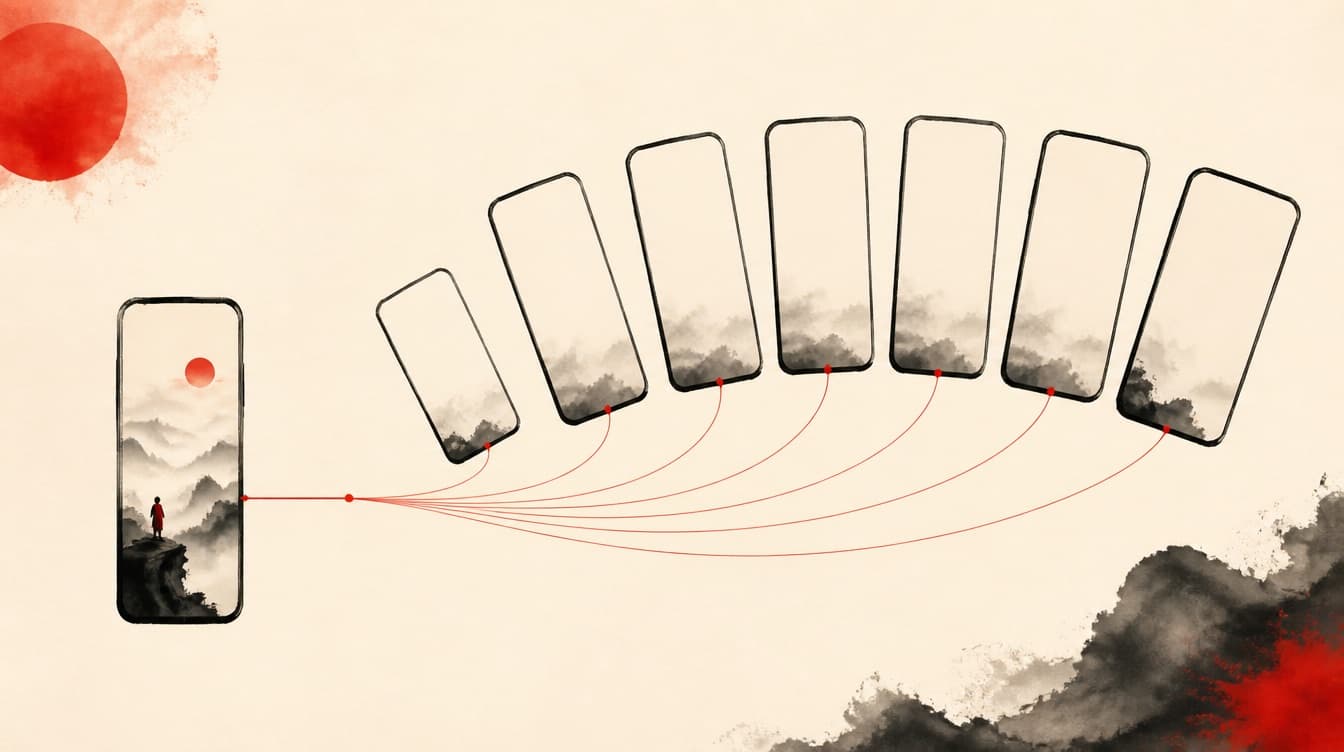
On Instagram, open the Reel, tap the three dots then Copy link. Paste that link into ReKlip to get the watermark-free MP4, cleanly re-encoded and already 9:16. Check the sharpness of the downloaded file before publishing. Repost it as is to TikTok or Shorts without recropping, rewrite the caption in your own words, and publish when your audience is active. One clean conversion between the two platforms, and the quality holds.
Rights and good practice#
Reposting a sharp Reel assumes you have the right to. If you are not the creator, ask permission: removing the watermark or improving the render changes nothing about who owns the video. Without consent, only repost your own content, rights-free content, or licensed content, and always credit the original creator. Beyond the simple repost, think repurpose: the same link also gives you the audio, the transcript, and the subtitles to spin the Reel out elsewhere.