Why removing the watermark matters#
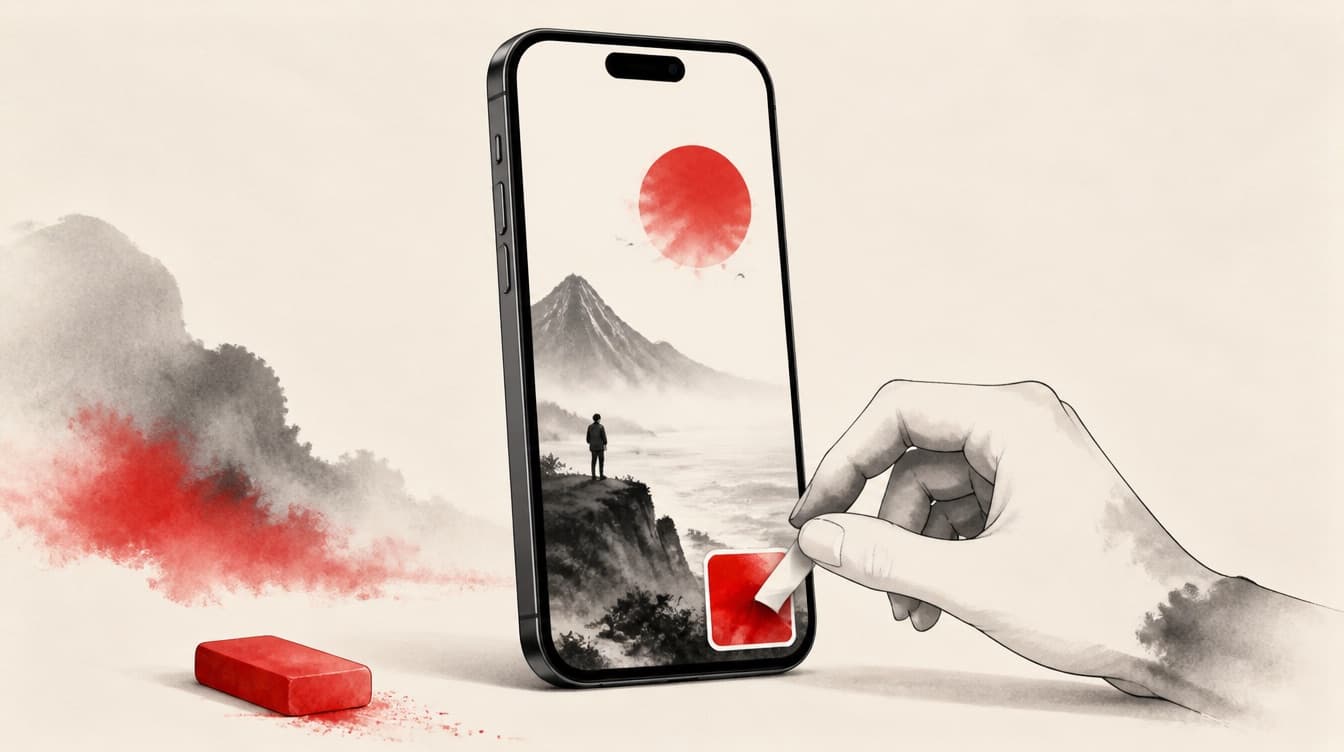
The TikTok watermark marks the video as coming from a competing network. Instagram and YouTube detect that logo and demote the video in Reels and Shorts: less reach, less placement. On iPhone, the standard Save video button always keeps that watermark. Removing it cleanly strips the negative signal and lets your video be treated as a native upload.
What not to do#
A screenshot or an iOS screen recording is the worst method: quality drops, TikTok's interface stays visible, and the format gets distorted. Free App Store apps that promise to remove the watermark are often worse: they crop crudely by zooming in to cut off the logo (you lose the edge of the frame), add their own watermark, or hide a subscription. Cropping the bottom to mask the logo damages the framing and does not remove the username when it moves to the top.
The clean method from Safari on iPhone#
The simplest, cleanest route goes through the browser, with nothing to install. In TikTok, open the video, tap Share then Copy link. Open Safari, go to ReKlip, paste the link and run it. You get the real watermark-free MP4, re-encoded at full resolution, downloaded straight to your camera roll through the iOS file handler. No zoom, no forced crop, no added logo: it is the original video flattened back out.
Check the video is really clean#
Before reposting, open the downloaded file and check three things: no more animated TikTok logo in the corner, no more @username drifting around, and a complete frame (no zoom that cut off the edges). Also confirm the resolution is good, a clean 9:16 vertical. If any of those is off, the method you used was cropping instead of cleaning the source. A truly clean video keeps the full original frame.
Rights still apply, even on your iPhone#
Removing the watermark gives you no rights over the video. If you are not the creator, you need their permission to repost, and crediting never replaces permission. Without consent, only repost your own content, rights-free content, or content you hold an explicit license for. For someone else's content, ask permission, and credit clearly even with consent. ReKlip is a neutral tool: responsibility for the rights stays with you.
Then repurpose instead of just reposting#
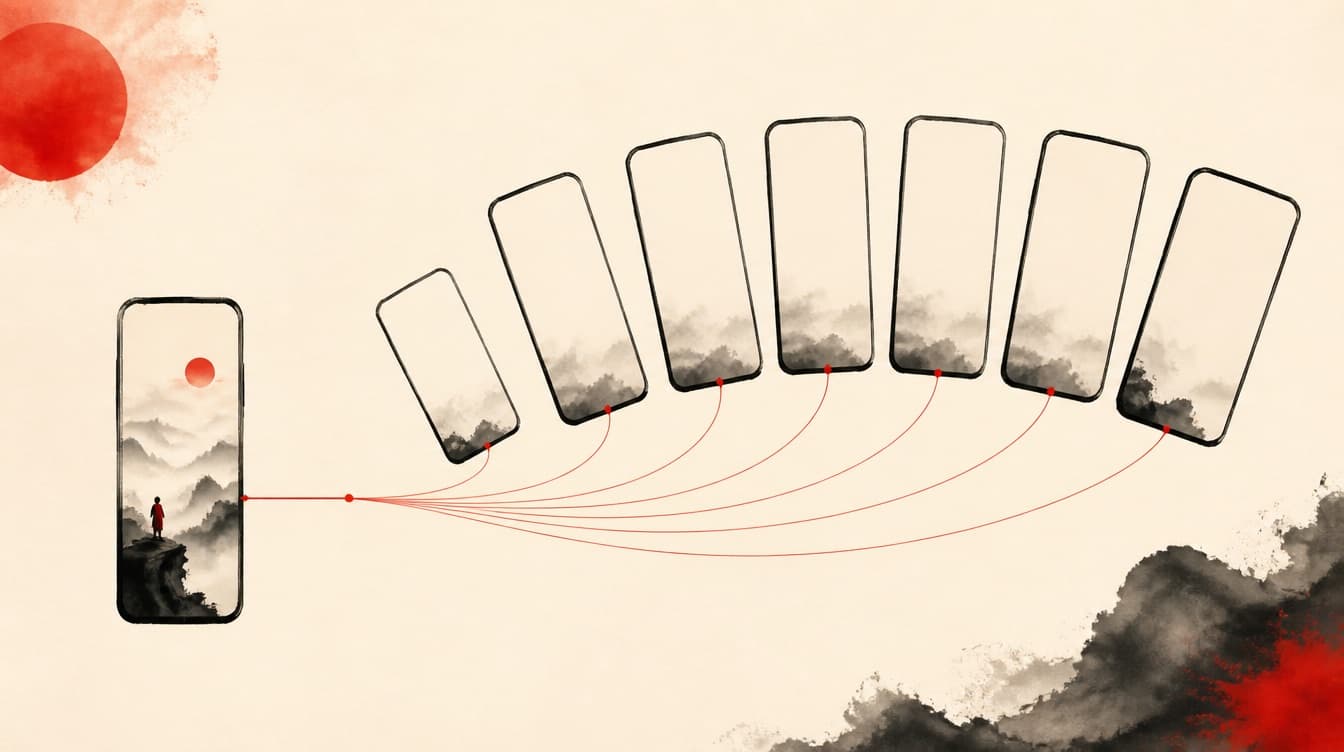
Once you have your clean MP4 on iPhone, do not stop at the as-is repost. The same link also gives you the MP3, the transcript, the .srt subtitles, and a hook/body/CTA script. You can spin that single clip into a Reel, a Short, a written LinkedIn post, and an audio clip, all from your phone. One link pasted into Safari, and you have a week of content's worth of raw material.