Why extract the audio from a Short#
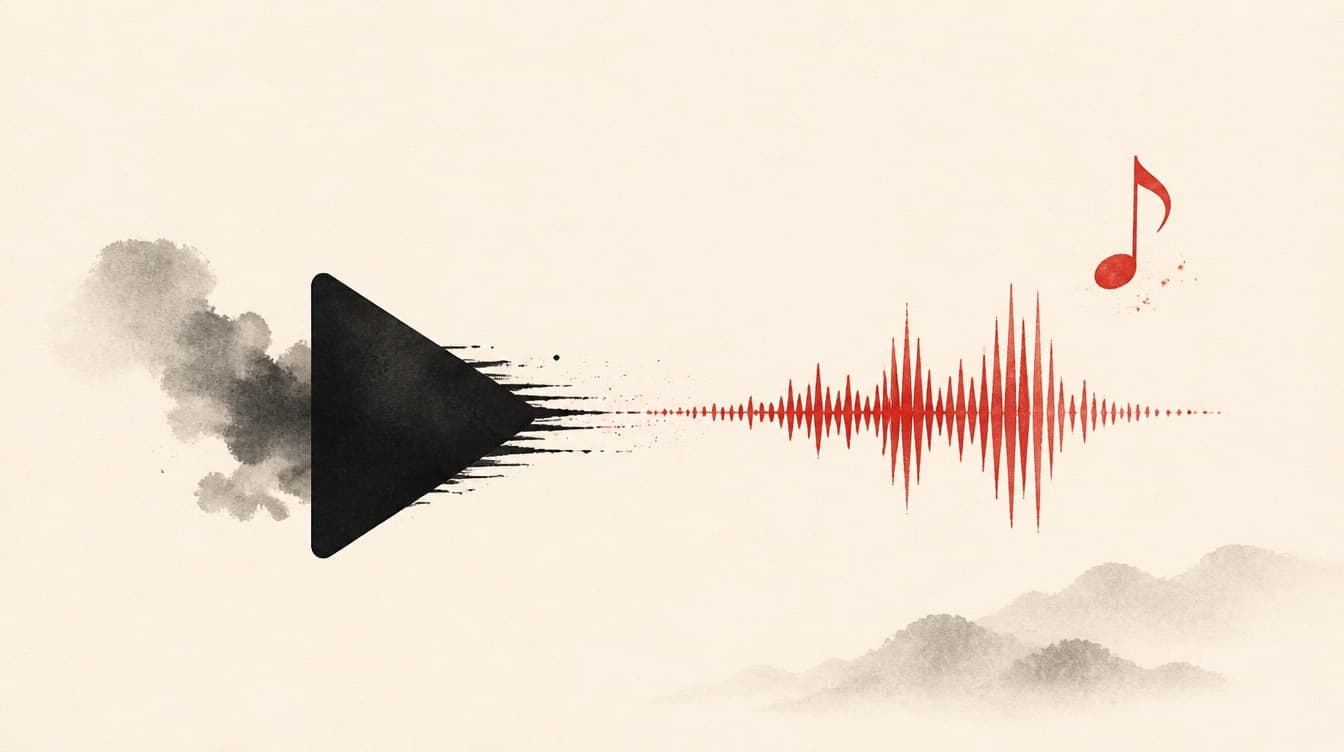
Not every Short is meant to be watched on screen. An interview, a podcast clip, a spoken tip, or a musical passage matters mostly for its audio. As an MP3, you can re-listen while walking, drop it in a playlist, send it to someone, or feed it to a transcription tool. Video is heavy and forces the screen; the MP3 is light, universal, and playable everywhere, from headphones to the car.
Concrete use cases#
Re-listening to a tip or explanation without watching. Pulling the voice from an interview to make a podcast clip or an audio edit. Keeping a spoken quote within earshot. Feeding a transcription tool that works better on clean audio than on video. Archiving the sound of a Short that might disappear. In all these cases it is the audio that matters, not the image, and the MP3 is the right container.
What quality to aim for#
An MP3 at 128 kbps is plenty for speech: clear, light, and playable everywhere. For music or a mix where nuance matters, aim for 192 or 256 kbps. Beyond that, the gain is inaudible to most ears and the file grows for nothing. Above all, the output quality can never exceed the source: a Short with compressed sound stays compressed. A good converter preserves the original quality without inventing any.
The method, step by step#
Open the YouTube Short, tap Share then Copy link. Paste that link into ReKlip and pick the MP3 output. The audio is extracted and re-encoded cleanly, ready to download in seconds, with no software to install and no multi-step conversion. You get a clean audio file, clearly named, that you file straight into your library. On the same link, you can also grab the transcript if you want the text alongside the sound.
Rights: what you can do with that MP3#
Extracting the audio gives you no rights over the work. Music, voices, and content are protected: strictly personal use (private re-listening) is one thing, republishing or monetizing the sound is another. Only reuse publicly your own content, rights-free content, or content under an explicit license. For copyrighted music, do not republish it. ReKlip is a neutral tool: responsibility for the use stays with you.